
How It Works – Campaigns
Managing Your Account
Setting up your Campaign account is easy. After you have been approved, you can purchase a job package and view the profiles of campaign consultants on the website.
Setting up your account
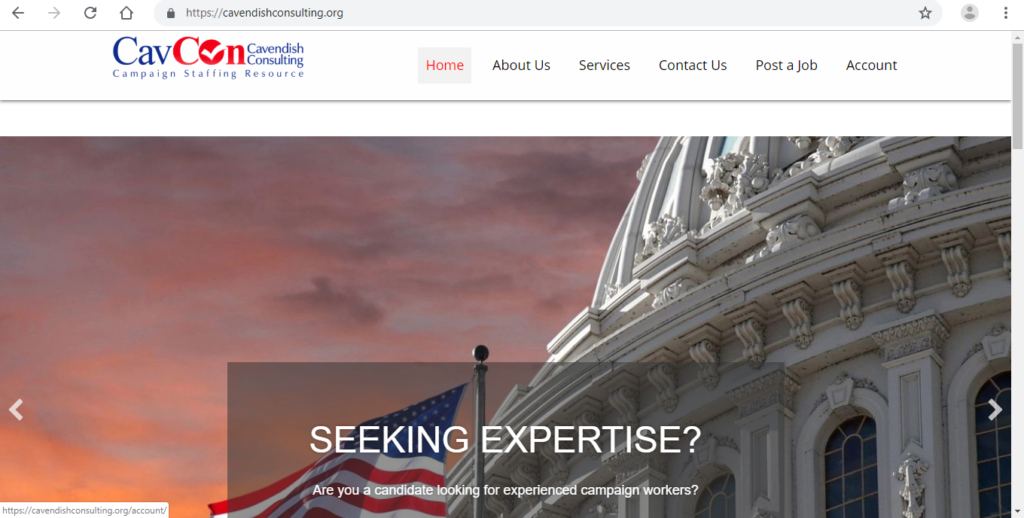
Click “account” in the top menu
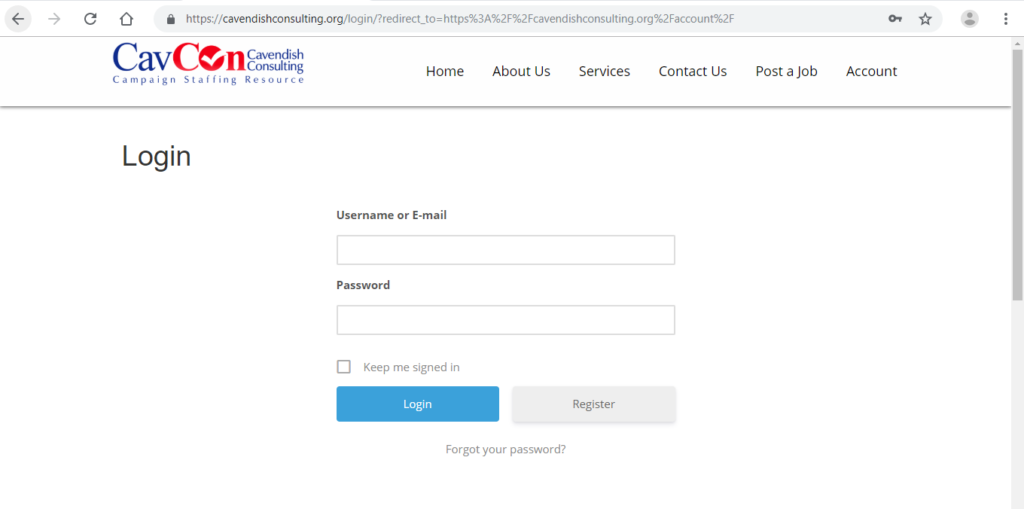
Click the grey “Register” button
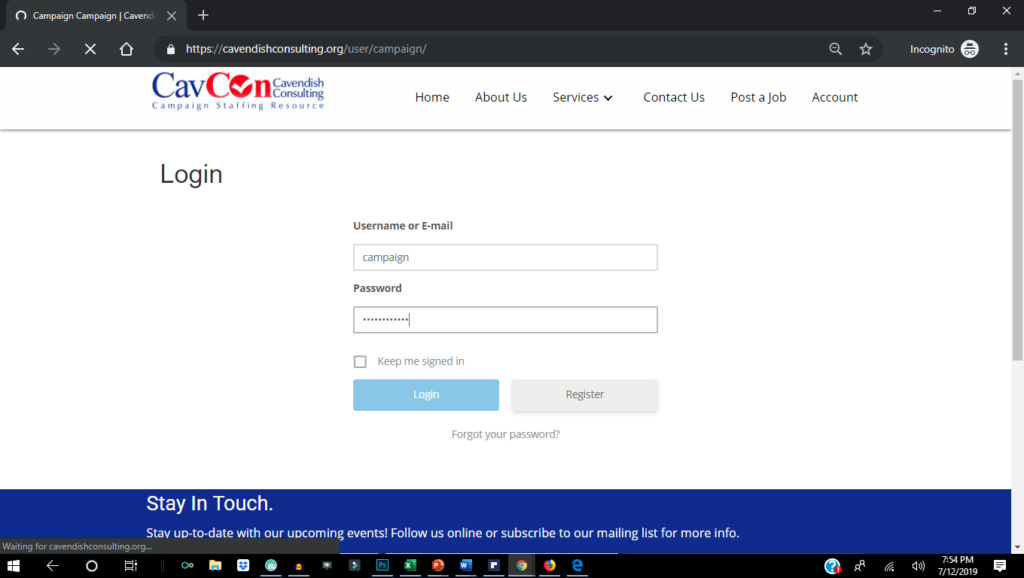
Complete the brief registration form
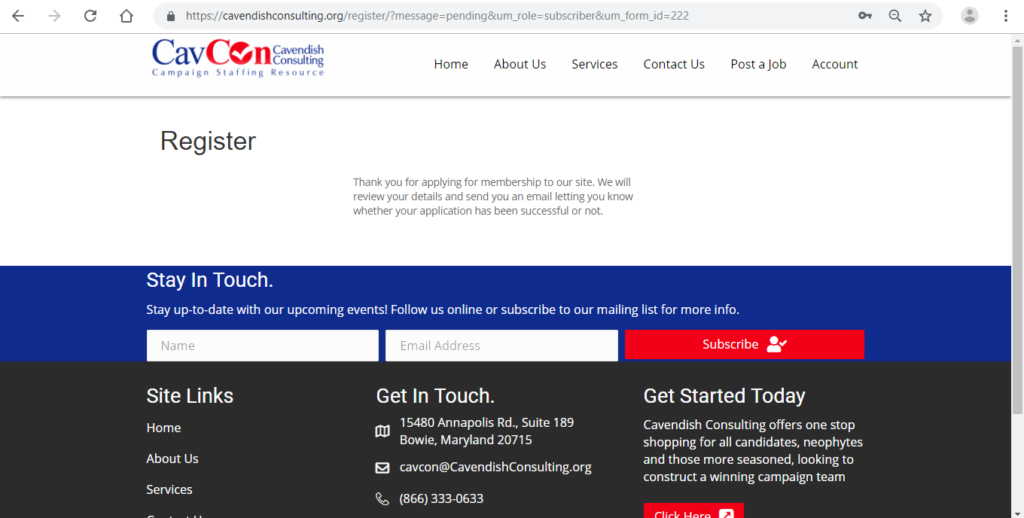
See the “successful registration” screen
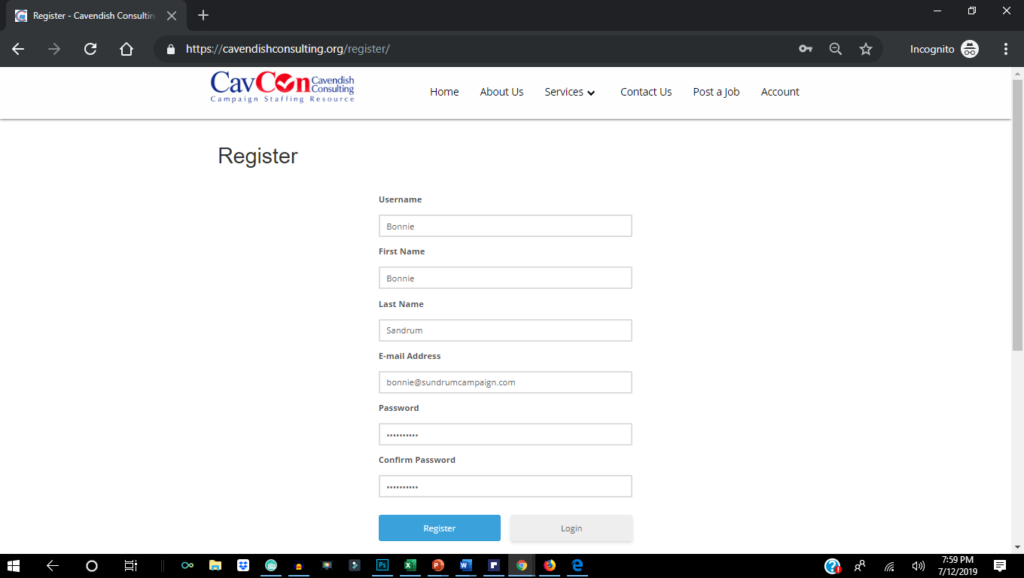
Upon approval, you may log in to your account
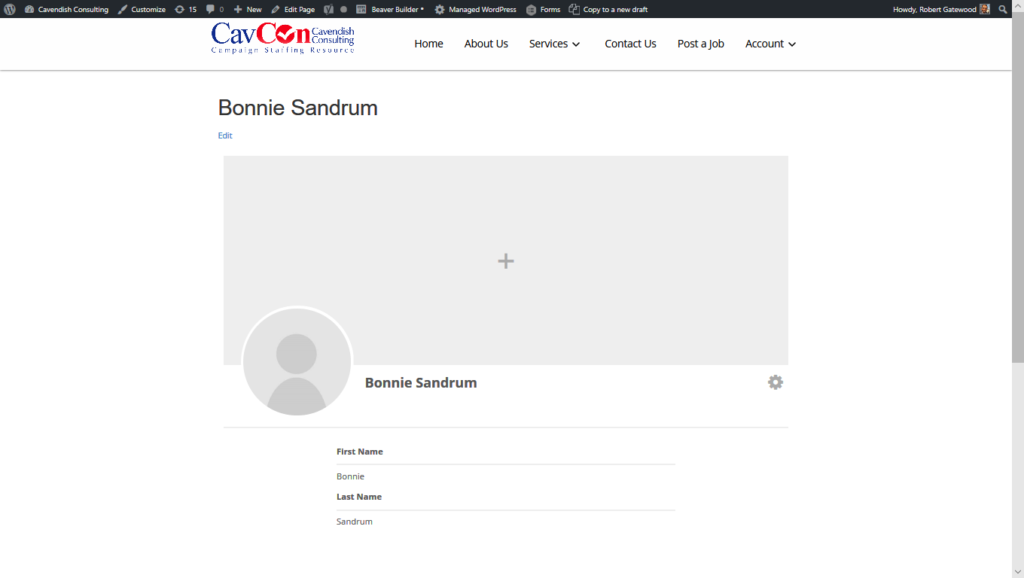
Click on the “View Profile” to view and/or edit your profile.
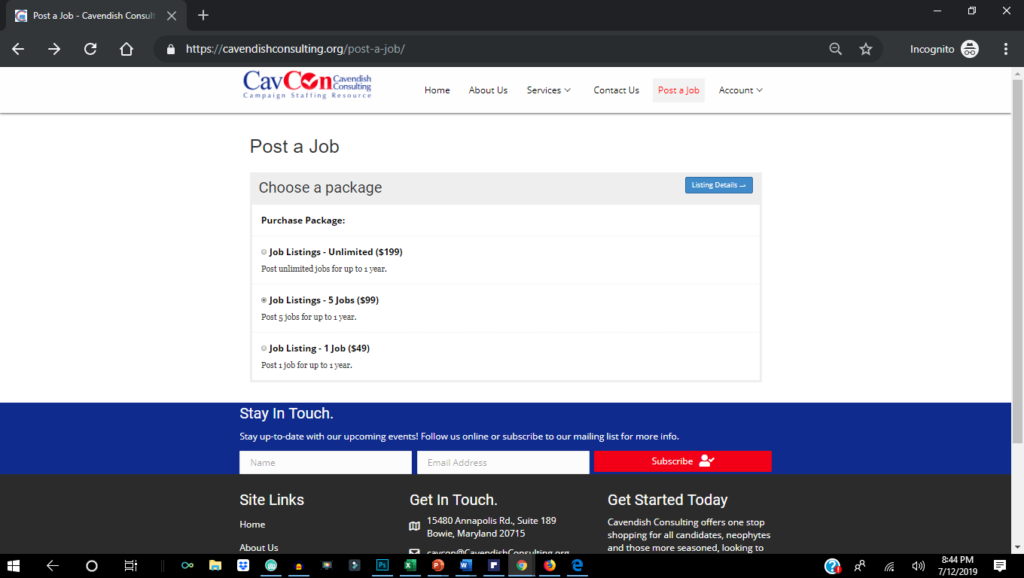
You may post a job by buying a job package

After you buy a job package, “Job Manager” appears on your account
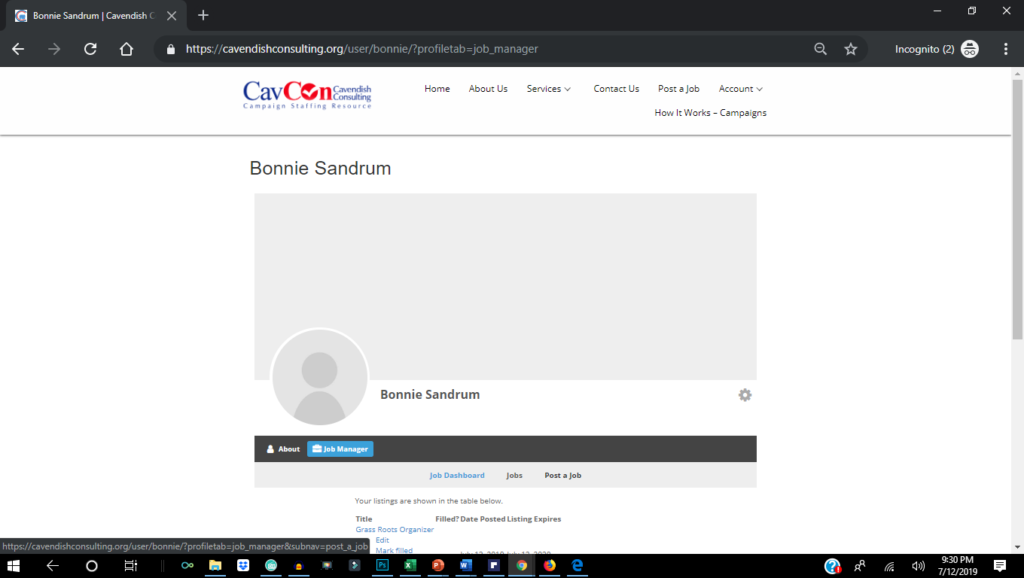
Press “Job Manager” to see the Job Dashboard or to Post a Job
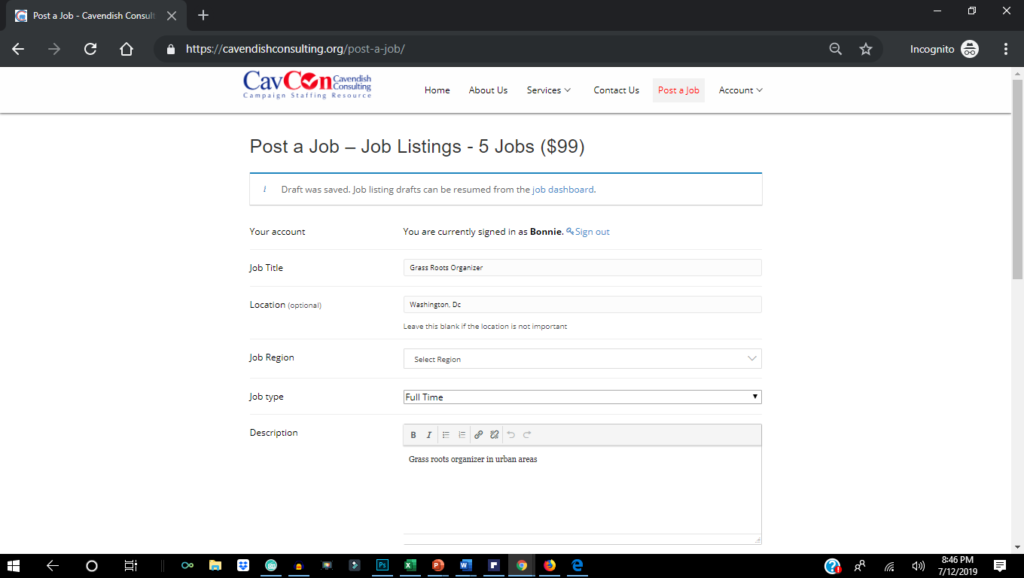
After you purchase your job package, you can now post a job
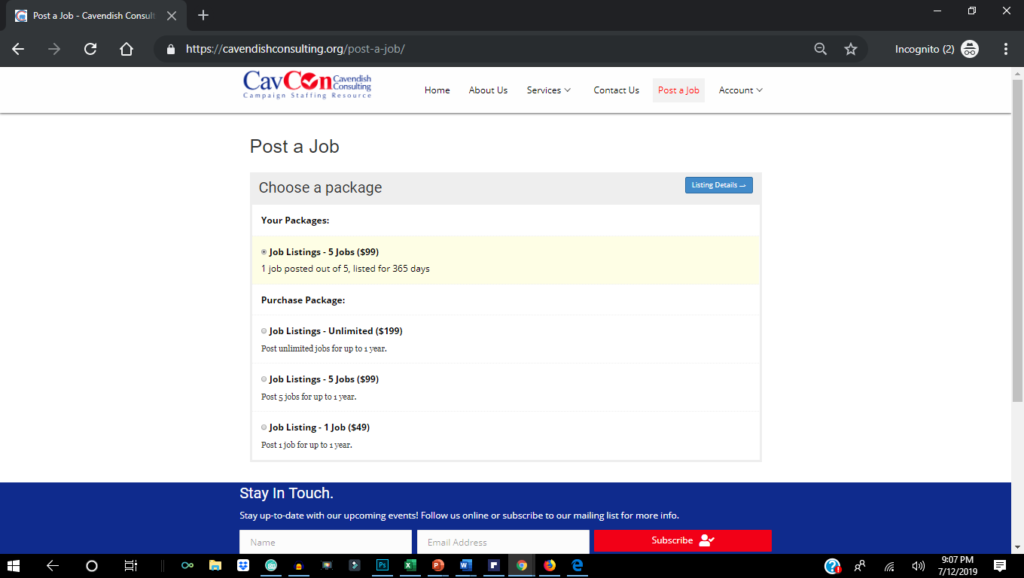
The Job Manager keeps track of your job listings, including the number available listing remaining in your package
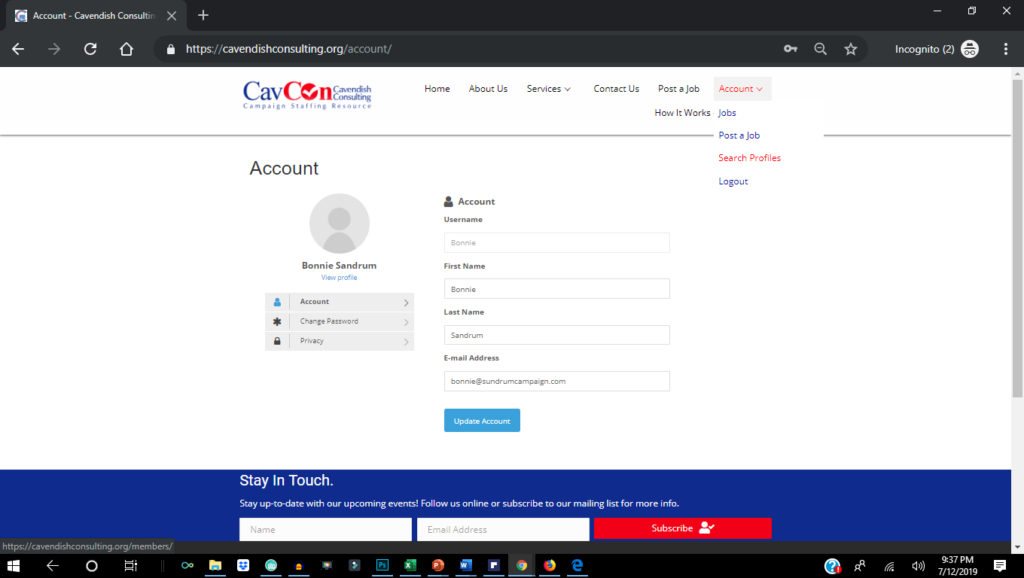
After you buy a package, you can also search the database for campaign workers who have registered on the site
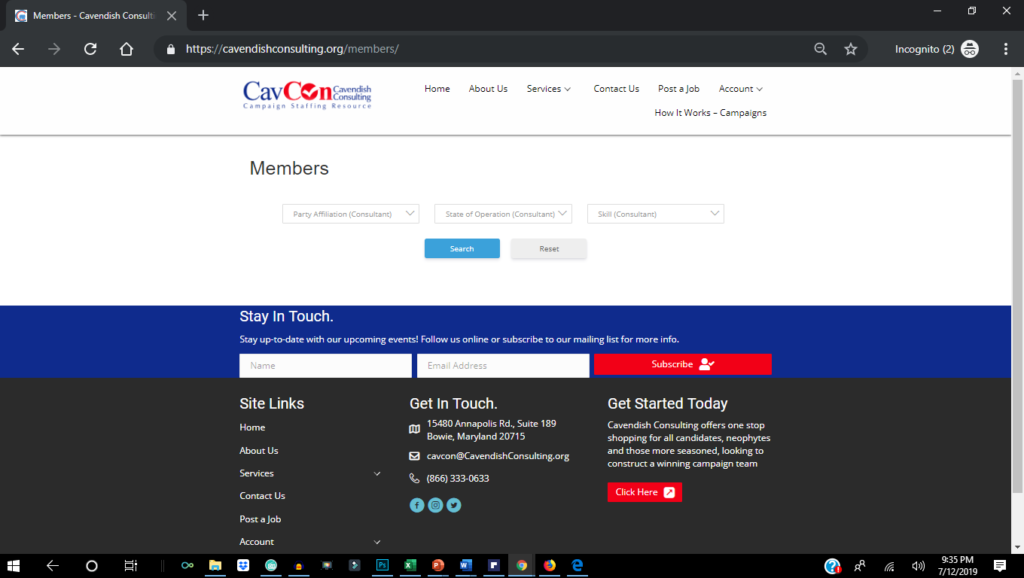
You may search based on Party Affiliation, State of Operation and Skill

The search will find any member with the criteria you enter
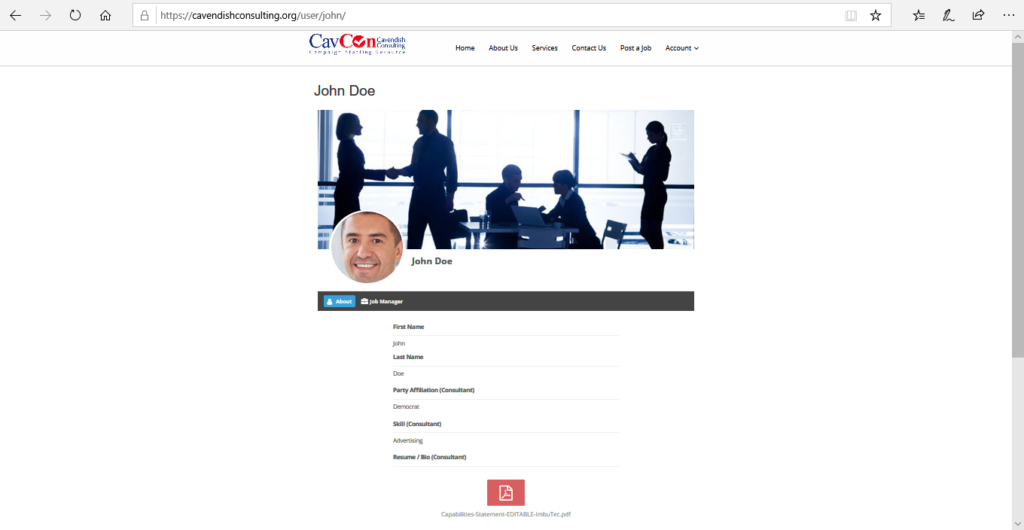
You may view the full profile of the member with the matching criteria
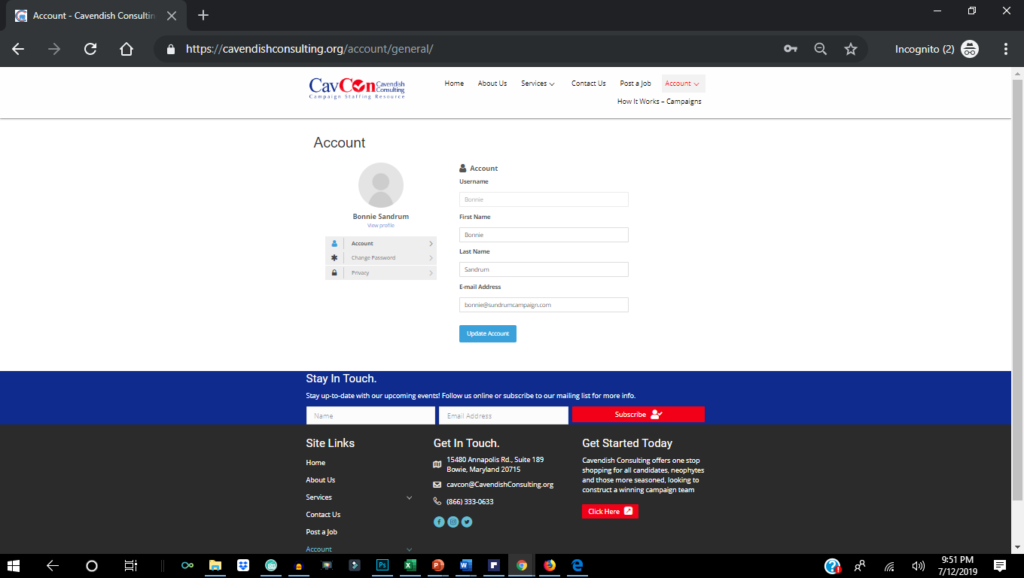

You may edit your profile at any time by going to your “Account”
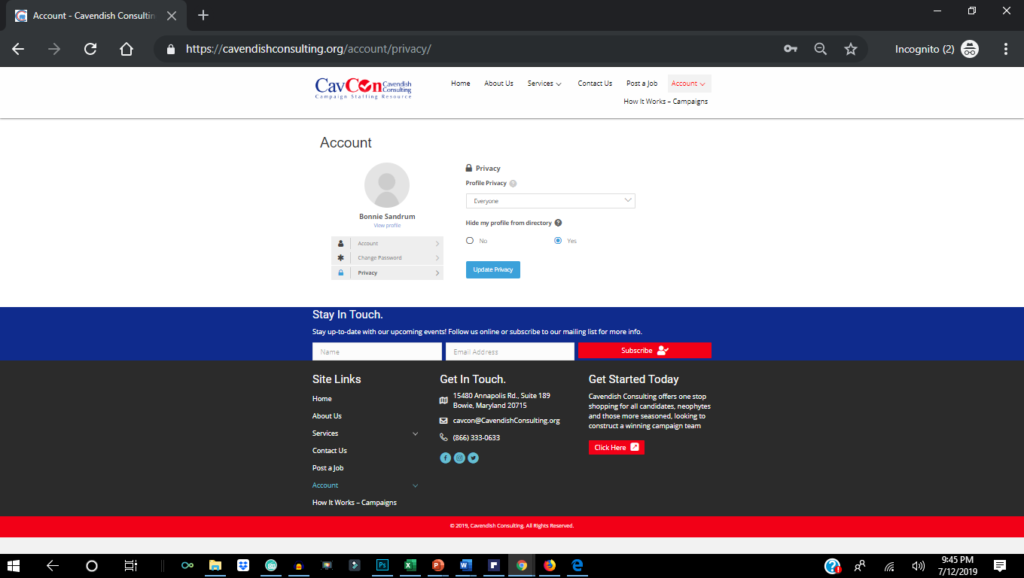
By default your profile is searchable in the member directory. You may change the privacy setting on your account to hide it from the directory and searches
Set up Your FREE Account